
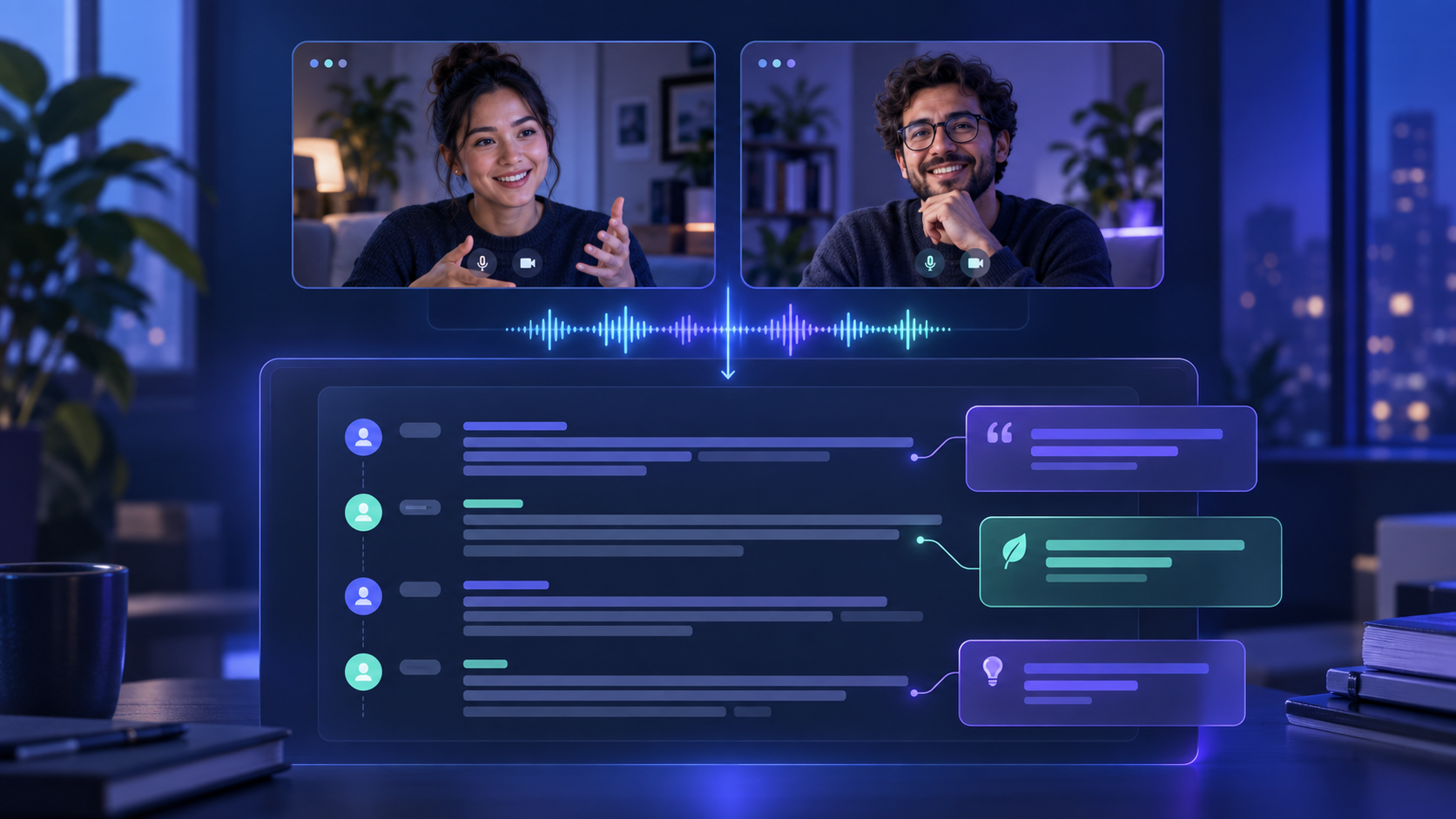
To transcribe user research interviews, get permission to record and process the conversation, make a clear recording, generate a draft transcript, and check each important quote against the audio. Add speaker labels and timestamps where they help your team find evidence. Keep a private source copy separate from any version you share more widely.
A transcript is useful when it lets someone trace a finding back to what a participant actually said. It should preserve the participant's words and make the conversation easy to navigate. It is not a substitute for interpretation: your analysis still needs context from the interview, the task, and the observation notes.
Before you transcribe user research interviews
Start with the participant's expectations. Explain whether the session is recorded, why it is recorded, who can access the recording or transcript, and how it will be used. Ask for consent to the relevant activities before pressing record. The Nielsen Norman Group's consent guidance recommends separating consent for different uses, including recording, so participation does not automatically imply permission for every form of data collection.
Follow your organization's research and data-handling rules. If a participant does not agree to recording, take notes instead. If your team uses an external transcription service, make sure that use is covered by your process and participant notice. This is especially important when an interview may reveal personal, financial, or health information.
For the recording itself, use headphones for remote sessions, reduce room noise, and avoid speaking over the participant. At the start, note a session ID and the topic in your research log. Keep the participant's real name out of filenames when a coded ID will do. Record a separate observation note for behavior the microphone cannot capture, such as hesitation on a screen or a failed click.
A repeatable interview transcription workflow
1. Make a draft from the recording
Use a transcription tool on the approved recording, or transcribe manually if the session cannot be processed by a tool under your team's rules. A video interview can be turned into text using the approaches in our video-to-text guide. Choose the source that matches the final recording; a platform caption track and a local file can represent different edits.
Treat automated output as a draft. It may mishear product names, merge two voices, or omit quiet responses. If you use ReelWords for a suitable public video source, its transcript workflow can return timestamped text; for private research recordings, check the current supported input and your data rules before uploading. The value of any transcript tool is the time saved on the first pass, not a guarantee that every quote is correct.
2. Check the transcript against audio
Listen with the draft open and correct every statement you intend to quote or use as evidence. Pay special attention to negatives, numbers, names, and technical terms. Mark inaudible passages as uncertain instead of guessing. If the participant says something surprising, replay the surrounding exchange; the moderator's question may change its meaning.
Use light editing for readability, such as punctuation and paragraph breaks. Keep the participant's wording intact in the source transcript. If you later create a concise summary, label it as a summary rather than presenting it as a verbatim quote.
3. Label speakers and add useful timestamps
Identify the moderator and participant consistently, for example Researcher: and P07:. If several participants speak, use distinct labels and verify each turn manually. Do not assume a speech recognizer has separated voices correctly. The W3C transcript guidance describes speaker identification and optional timestamps as ways to make a transcript easier to use.
Add timestamps at the start of a topic, a task, or a quote you are likely to revisit. A timestamp on every sentence may create clutter. The aim is to let a colleague jump from a finding to the relevant recording moment without hunting through an hour of footage.
4. Make a safe working copy
Keep the unedited source under the access rules for the study. For a working copy shared with a broader team, replace names and identifying details with consistent labels where needed. Do not erase those details so early that you lose the ability to verify a quote in the protected source. Keep the mapping between participant IDs and real identities in the approved research location, separate from general project notes.
Before sharing, search the transcript for email addresses, phone numbers, account identifiers, and names the participant mentions. Review screenshots and chat messages in the video as well; a text transcript will not capture every visible identifier. Share only the material your collaborators need for the research purpose.
5. Turn the transcript into evidence
Create a short session summary with the participant ID, task, major observations, and links or timestamps to supporting moments. Tag passages by research question, then compare patterns across interviews. A useful finding points to a concrete quote or observed behavior and notes any context that limits the interpretation.
For example, “P07 could not find the export control during the first attempt (18:42)” is more useful than “users find export confusing.” The former can be checked and compared with other sessions. Keep the transcript available so a teammate can inspect the evidence behind your summary.
Transcript, notes, or captions: which do you need?
| Output | Best use | What to review |
|---|---|---|
| Full transcript | Quote checking and detailed analysis | Words, speakers, context, and uncertain passages |
| Session notes | Fast synthesis and observations outside the audio | Clear separation between observation and interpretation |
| Captions | Watching the interview video with text | Text, timing, speaker changes, and meaningful sounds |
If your team is publishing an interview rather than only analyzing it, the output may need additional accessibility work. The W3C notes that a transcript of video can include important visual information that captions alone do not convey. Our podcast transcription guide covers a related publishing workflow, while the video accessibility guide covers captions for viewers.
FAQ
Do I need a word-for-word interview transcript?
Use a source transcript accurate enough to verify the quotes and observations behind your findings. A cleaned summary is helpful for readers, but keep it distinct from the participant's actual words.
Can AI transcribe a research interview accurately?
It can produce a useful draft. Human review is still needed for names, jargon, quiet speech, overlapping voices, and any quote that will support a decision.
Should I include filler words and pauses?
Decide based on the research question. A pause may matter in a usability task; every filler word usually does not. Record your convention and apply it consistently.
How should I label speakers?
Use consistent role or participant IDs, such as “Researcher” and “P07.” Verify changes against the recording, especially during interruptions.
Do timestamps belong on every line?
Usually, timestamps at topic changes and key quotes are enough for navigation. Add more detail when a task analysis needs precise sequencing.
Can I share the transcript with my whole team?
Share according to the consent given and your organization's access rules. Make a reviewed working copy and remove identifiers that the broader audience does not need.
For approved video sources, explore ReelWords transcription and caption features, check pricing, and read the FAQ before choosing a workflow for your study.